How Many Location Pages Should a Local Business Have?
One page per place you serve, five to fifteen area pages for most single-location businesses, and how many is too many before the pages go thin.
Twenty city pages sit on the site. Search Console shows a long line of impressions and a short line of clicks.
The owner wants to know whether to add ten more.
How many location pages should a local business have?
One page per place you actually serve, and no more than you can keep different. A single-location business usually needs five to fifteen area pages. A business with real premises needs one page per address. The test: does the page say something true only for that place? If not, a swapped city name is doorway abuse.
Here is how to spot the difference: thin content vs real local landing pages.
We run city page audits for local service businesses, and the count an owner asks for rarely matches the count the site can support.
Most posts on this question hand you a number and stop. This one shows the audit that produces it.
TL;DR
- One page per place you serve. The number follows the proof you can show in each town.
- Too many is the count where the pages start repeating each other. Google’s policy names that pattern.
- A business with real addresses in three cities starts at three location pages, one per address.
- Audit the pages you already have before you write new ones. Merge or drop the ones that earn impressions and no clicks.
How many location pages is too many?
Too many is the count where the pages start repeating each other. Our working line: a city page with no photo, no review and no paragraph that fits only that town is one page over.
The count matters less than what each page can say on its own. Google’s spam policies list two patterns that cover a stack of repeated city pages. Pages built to rank for specific, similar search queries are Google’s doorway abuse policy. That policy’s own examples include pages aimed at cities that funnel users to one page.
Google lists a second pattern beside it: scaled content abuse, where many pages get generated mainly to manipulate search rankings.
Swapping a town name is the fastest way into that bucket. We test for it by pulling the first two sentences from every city page on a site and running them as a phrase search. On most sites we audit, the same opening paragraph shows up across the city pages word for word.
- Image suggestion: two city pages from the same site side by side, with the identical opening paragraph highlighted on both.
A city page earns its place when no other page on the site could make the same claim.
Should it be one page per location, or one page per city you serve?
Both, sorted by model. A city where you hold an address gets a location page. A city you drive to gets a city page with proof from that town. The model you run sets the count.
Three models cover almost every business we audit, and the model decides how many location pages for local SEO make sense.
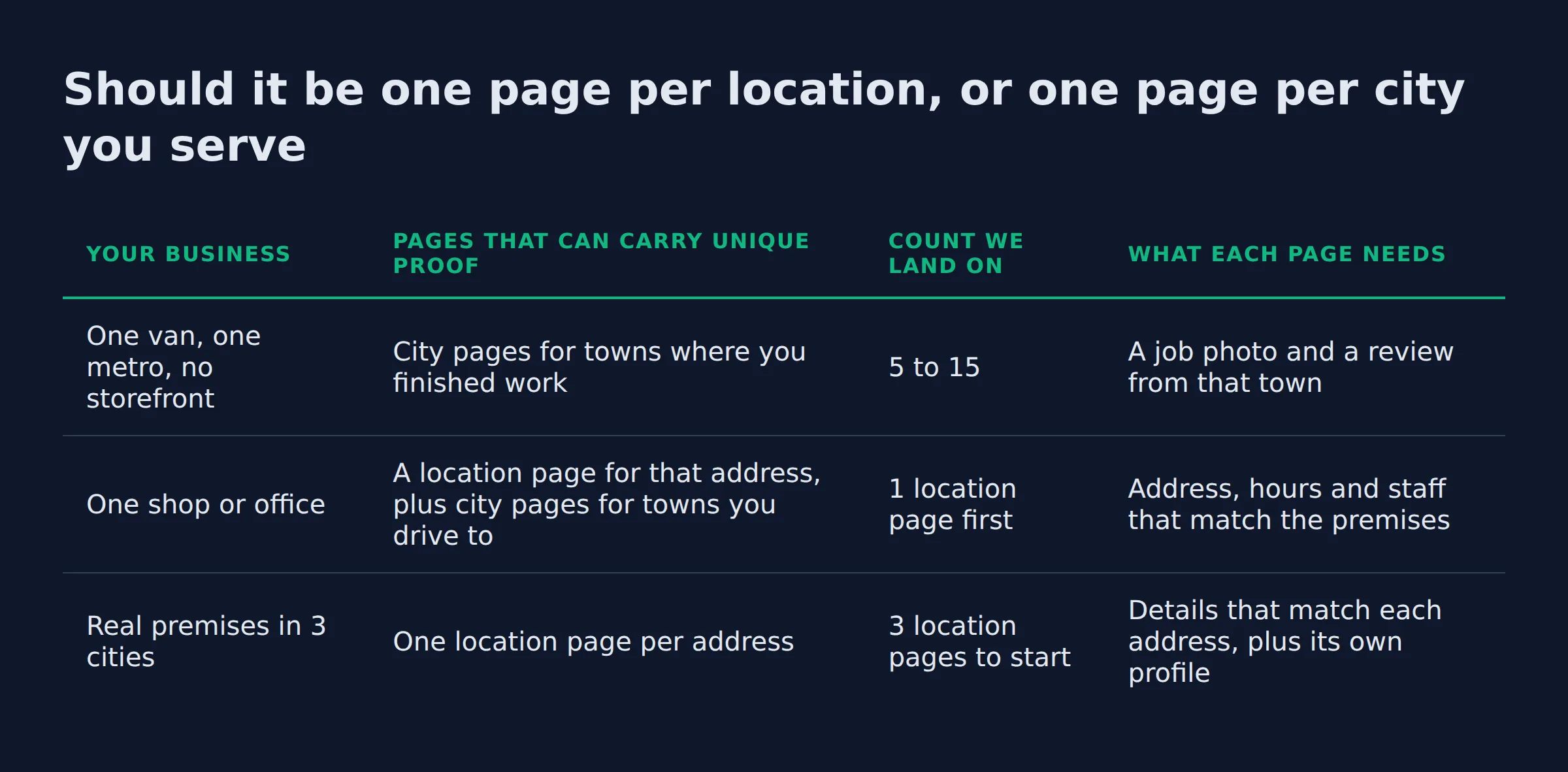
| Your business | Pages that can carry unique proof | Count we land on | What each page needs |
|---|---|---|---|
| One van, one metro, no storefront | City pages for towns where you finished work | 5 to 15 | A job photo and a review from that town |
| One shop or office | A location page for that address, plus city pages for towns you drive to | 1 location page first | Address, hours and staff that match the premises |
| Real premises in 3 cities | One location page per address | 3 location pages to start | Details that match each address, plus its own profile |
A service area business (SAB) hides its address in the profile and sets the towns it covers through the service area settings inside your profile. The profile and the page then do different jobs for the same town.
That split has its own guide. Service area pages for local SEO covers what a service area page is, how it differs from a location page, and how it differs from a doorway page.
A business with addresses in several cities is counted from the addresses. Google’s guidelines for representing your business ask for one profile per business, with an accurate address and service area. A second location with its own staff and its own service area can hold its own profile.
The model sets the count. A one-van business and a three-office company get different answers to the same question.
How many location pages does a business with no offices need?
Start with the towns where the work already happened. For a one-van business running one metro, that is usually five to fifteen pages. Cut any town where nobody searches, and add one when new work lands there.
We count proof before we count towns. A town with a couple of finished jobs and no review can ride on the nearest page as a short paragraph. It does not need its own URL yet.
Demand settles the rest. Pull city or ZIP level query data in Search Console and check whether anyone searches your service in that town. A page for a town with no demand earns impressions and nothing else.
Owners also ask how many cities a service area business can rank in. The page count is yours to set. Getting found depends on proof, demand and distance, and the page is only one part of that.
The map pack is a separate fight. A website page can get found in Search for a town where you have no address. The local pack there rarely follows, because local results run on relevance, distance and prominence. Distance, which Google also calls proximity, is measured from your business to the searcher.
Open Maps from that town and the local finder shows a longer list. The businesses based in that town start ahead of you.
- Image suggestion: a local finder map view opened from a town where the business has no address, with the businesses based in that town at the top of the list.
If you want that read on your own towns, our local SEO service starts with the pages you already have.
Proof sets the count. A page can rank in a town where you have no address. The map pack in that town still follows distance.
What to do with the city pages you already published
Audit before you add. Every city page on your site falls into one of three buckets, and the Performance report in Google Search Console sorts them in about ten minutes.
Open the Performance report, switch to the Pages view, filter to your city pages, and sort by clicks. Then read the query level impressions and clicks for each page. Impressions with no clicks mean the page appears and nobody picks it.
| What the page earns | What it tells you | What we do with it |
|---|---|---|
| Clicks and calls | The page answers a real search | Keep it and refresh the proof once a year |
| Impressions, no clicks | Seen but not chosen | Merge it into the nearest page that earns clicks |
| Nothing for 12 months | Nobody searches it | Take it out of sitemap.xml, then noindex or redirect it |
Google’s guidance on consolidating near duplicate pages is the mechanics of the merge. Pick one URL, point the near duplicates at it with a canonical, and let the strongest page carry the queries. Consolidation like that also clears the duplicate content the copies were carrying.
The first question owners ask is whether a merge will cost them traffic. In the audits we run, the impressions hold, because the surviving page keeps answering the same queries. The clicks stop splitting across every URL and land in one place.
Two months later the impressions line is usually still there and the clicks have moved to the page that stayed. The pages we retired do not come back.
Measurement closes the loop. GA4 shows the sessions those pages send, and call tracking shows which of them produce a phone call. A surviving page that earns neither gets the same treatment next quarter.
- Image suggestion: our own Search Console Performance chart for a site with 20 city pages, sorted by clicks, with the long impressions list above the short clicks list.
Merge before you write. The pages you already have show the count your site can support.
How many pages should a local business website have in total?
Fewer than most owners expect. Every local service site needs a homepage, one page per service, and a page per place. Trust pages round it out. In our audits, the total lands between 15 and 40 pages.
The pages that rank are the service pages and the place pages. Every one of them is a landing page for one service or one place.
| Page type | What it covers | How many |
|---|---|---|
| Homepage | The main service and the main area | 1 |
| Service pages | One service per page | One per service |
| Place pages | The city and location pages counted above | The count from your model |
| Trust pages | About, contact, reviews, gallery | 3 to 5 |
That is the whole list for most local service sites. Blog posts and guides help later, once the service pages and the place pages are doing their job.
The homepage is the 1 in that table, and its first screen has its own checklist: what a local service homepage should say.
Service pages and place pages do the ranking work. Everything else supports them.
How do you write 15 location pages that are not one page with the city swapped?
Give each page a paragraph, a photo and a review that fit only that town. Put the town in the H1, the title tag and the meta description. Delete any sentence that would read the same for another town.
The opening paragraph is where a swapped page gives itself away.
Thin content on a city page is a counting problem. Count the words that change between two of your pages. When only the town name moves, the two pages are one page with two URLs. The giveaway is a location page template where the town is the only variable. Near duplicate pages like that split each other’s signals.
A page also needs enough substance to be worth a click. Our own build standard runs 800 words and up for the biggest towns in a metro, and around 500 for the smaller ones. Getting a page to rank in a city you are not located in starts with the proof you can show from that city.
Then fill the page with proof: a photo of finished work in that town, a review from a customer there, and a short note about the job. Localized testimonials and photos are the part a competitor cannot copy.
Keep the internal linking plain. One link to the main service page, one or two links to nearby town pages, and anchor text a person would write. Keyword stuffing in the anchor text does not help the page.
Google’s helpful content guidance sets the standard: content made for people first, not to manipulate rankings. A page built only to catch a query has nothing to say to the person who lands on it.
The page level build has its own guide. It walks through the H1, the proof block and the schema: how to build local service pages that rank. This post stays on the count.
If only the town name changes between two pages, you have one page and two URLs.
Which cities get a page first when you cannot build them all?
Towns where you have finished work and earned a review come first. Towns with search demand come second. A town with neither waits until one of the two changes.
We rank the list in three passes.
- Proof: towns with a job photo and a review from a customer there.
- Demand: towns where the query data shows searches for your main service.
- Distance: towns your crew can reach without losing the day to driving.
That order keeps the first pages honest, and each new page carries something real on day one.
Building that list from real query data is part of what our local SEO service does for local businesses.
Build in priority order. A page for a town where you have finished work does more for you than a page for a town you have never visited.
Does the count change when the business has real addresses in several cities?
Yes. Each real address gets its own location page, so the count starts at the number of addresses. Towns you drive to from those offices are counted the way any other service area is.
Local SEO for multiple locations runs the same rule at a larger size. Three offices with their own staff and their own service areas mean three location pages and a profile for each. Each of those pages still earns its place on proof from its own city. Franchise groups meet the same question at the scale of a whole region.
The details have to match at every address. Name, address and phone (NAP) must agree on the site, on the profile, and on the listings in between. When they differ, Google Maps gets conflicting or duplicate profiles for the same business.
Each location page can carry its own LocalBusiness structured data, with the address, the phone and the geo coordinates for that office. The areaServed property from schema.org names the towns that office covers, and Google can change how the business appears in results based on those fields.
Service schema covers what you sell. FAQPage schema covers the question and answer block on the page.
Watch for keyword cannibalisation between two nearby city pages. When two pages chase the same query, both lose the click to whichever page reads as the clearer answer.
Addresses set the floor on the count. A three-office business starts at three and builds out from there.
What AI search does with your page count
AI Overviews quote pages that answer in the first two lines. Our check of this query shows an AI Overview at the top of the results, so the count has to be quotable.
Google’s AI features guidance is plain about the mechanics. There are no additional requirements to appear in AI Overviews or AI Mode, and no special schema to add. The answer itself is the work.
AI Mode and the answers people paste into ChatGPT work the same way. A section that states the count in its first sentence gives those tools something to lift. A section that buries the number under several paragraphs gives them nothing to quote.
A page that answers the count question, names the model it applies to, and cites its sources is the page an overview can pull from.
Answer in the first line. That is the whole job for AI search.
Related: Do You Need a Website for a Google Business Profile?
Related: how to rank in a city you are not located in
Related: Local Citations for Small Business SEO: Which Ones Count
FAQ
What is the best local SEO strategy for multiple locations?
One page per address, then city pages for the towns each office serves, all built on proof. Keep the name, address and phone consistent everywhere. Give each location its own profile when it has its own staff and service area.
How many cities can one Google Business Profile cover?
The profile holds one service area list, set by city or postal code, and you can edit it as the business grows. Keep it to the places you actually serve, because that list is what local ranking uses. The website pages sit outside it.
Do location pages need their own Google Business Profile?
No. A profile belongs to a place, and a page is content about a place. A city you drive to gets a page and a spot in your service area list. A city where you have an address and your own staff can hold a profile.
Can a business rank in a city where it has no address?
The page can. A city page with real proof from that town can get found in Search for searches made there. The map pack in that town is harder, because distance from the searcher is one of the three inputs in local results.
How long do location pages take to rank?
Months, and the page sets its own pace. Watch the query data in Search Console for the first few months. A page that picks up impressions and no clicks needs proof. A page with no impressions needs a different town or a merge.
If you want a straight read on where your Google visibility stands, a 15-minute call covers it. Bring the list of towns you serve and we will show you which of them your site can get found in, and which pages to merge first. Book the 15-minute call.