Expanding a Service Business to a New City on Google
Two ways to expand on Google: add the city to your service area list, or open a staffed office with its own profile. The rules, the order, and the traps.
You picked the next town over. You know the drive and you know the demand. Google still has no idea you work there.
How do you expand a service business to a new city on Google? Pick a route. If you will drive there, add the city to your service area list and build one real city page. If you will staff an office there, open a second Business Profile. Same account, different proof.
Most posts on this jump straight to city pages. The route you qualify for decides whether a page is even the right move, so start there.
We audit Google Business Profiles for owners across the US and Canada. Before we touch a page, we ask one question. Does a truck go to that city, or does a person sit in it?
The answer decides everything that follows.
TL;DR
- Two routes: a service area on your current profile, or a second profile at a staffed address.
- Service areas cap at 20 per profile, and approved edits can take up to 48 hours to show.
- A virtual office is not eligible. An address without signage or staff fails too.
- One city page with real work from that city. A swapped town name is doorway abuse.
- Read the city page on its own in Search Console, not the site-wide total.
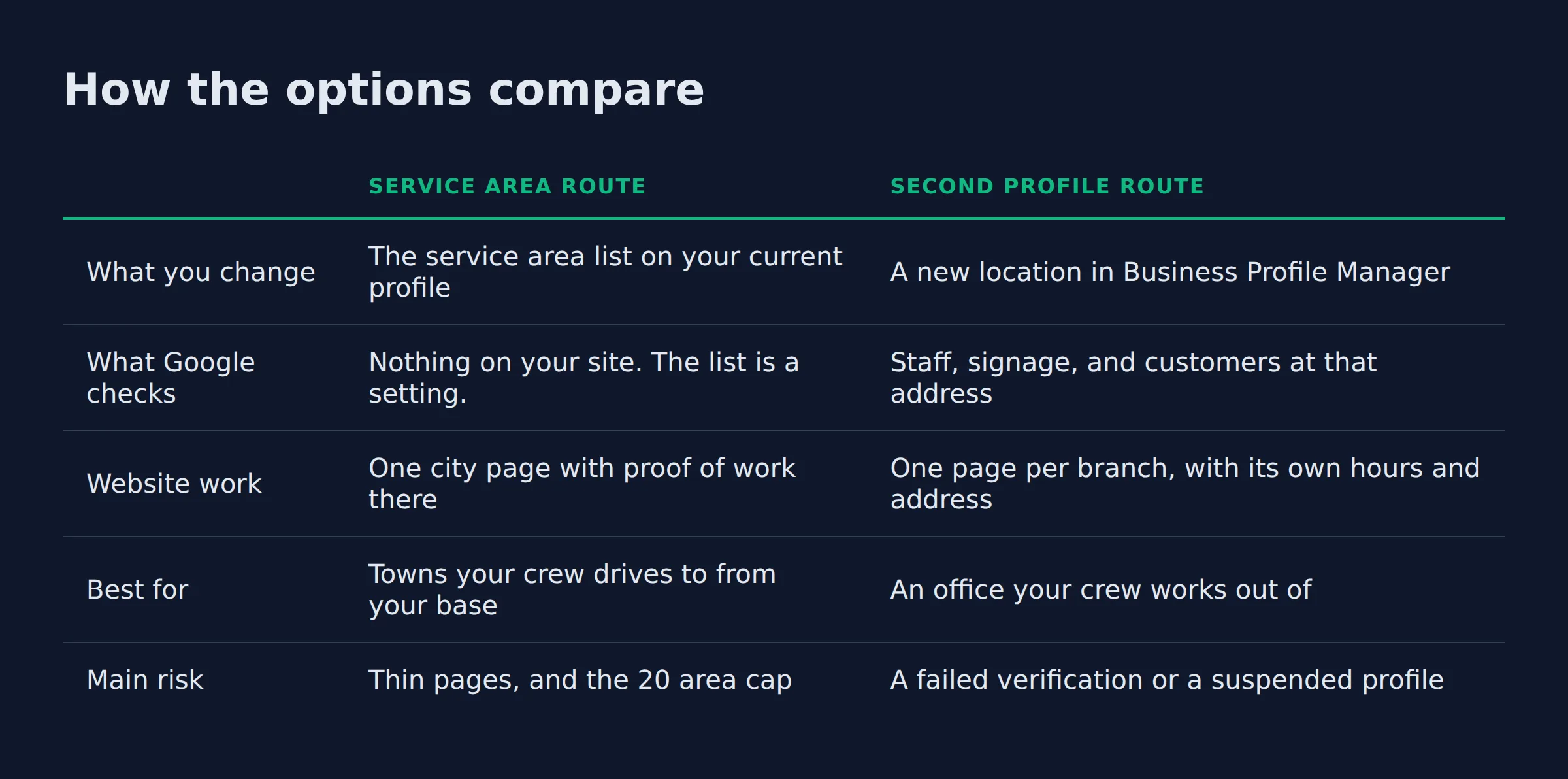
Here is the whole decision, side by side.
| Service area route | Second profile route | |
|---|---|---|
| What you change | The service area list on your current profile | A new location in Business Profile Manager |
| What Google checks | Nothing on your site. The list is a setting. | Staff, signage, and customers at that address |
| Website work | One city page with proof of work there | One page per branch, with its own hours and address |
| Best for | Towns your crew drives to from your base | An office your crew works out of |
| Main risk | Thin pages, and the 20 area cap | A failed verification or a suspended profile |
Is a new city a service area or a second location?
A new city is a service area when your crew drives there from your current base. It is a second location when you staff an office there and customers can walk in. Settle that fork before you touch Google, because the two routes need different work.
Distance drives most of this. Google ranks local results on relevance, distance, and prominence. Distance is measured from the person searching (how Google ranks local results).
A profile an hour away can still compete in the town next door. Owners watch that map pack every morning.
The route changes what you edit. A service area is a setting on the profile you already have. A second location is a new profile with its own address and hours.
The fork comes down to staff and a door, so answer those two before anything else.
What is the difference between a profile location and a service area?
A profile location is an address you operate from. A service area is a list of places you drive to. The profile is tied to a place, and the page is content about a place.
Google wants one profile for the business. Add one more for each location that has separate staff and its own service area (one profile per location). That rule ends the habit of a profile per town.
An owner who has driven to a city for 3 years often assumes a profile comes next. Someone has to work from a desk there first. Until then, the city belongs on the service area list.
For the no-office case, read how to rank in a city you are not located in.
If nobody works from that town, your route is the service area list.
How do you add a new city to your service area on Google?
Open the profile in Business Profile Manager, choose service area, and add the city by name or postal code. You can list up to 20 service areas, and approved edits can take up to 48 hours to appear.
The whole edit sits on the profile you already own.
- Open Business Profile Manager and select the right business.
- Find the service area row and choose Edit.
- Type the city name, or enter its postal code.
- Save, then wait for review.
Two limits catch owners here. The cap of 20 covers the whole profile, not 20 per county (service areas in Google Business Profile). A radius cannot be used at all. Google only accepts named cities, postal codes, or areas.
Owners ask us for a radius most weeks. The answer is always a list of towns.
A hybrid business keeps both at once. The storefront address stays visible, and the service area sits under it. A pure service area business hides the address and shows only the list.
Adding a city takes one edit. Earning a place in it takes a page and proof.
When does the new city qualify for its own Business Profile?
A city qualifies when you staff it during business hours, keep clear signage at the address, and receive customers there. A virtual office fails all 3 tests. So does a co-working desk with no sign.
Google’s guidelines for representing your business are blunt about this. A rented mailing address where you do not work is not eligible. A P.O. box fails the same way.
A co-working office needs permanent signage, customers received on site, and your own staff there during business hours. That is the test.
Verification is where the test gets real. We have taken an owner through a second address that had no sign and nobody assigned to it.
Google wanted proof the place was his and staffed. It was not, so the city went back on the service area list.
The same guidelines cap how far a service area should reach. Its boundaries should not sit much past about 2 hours of driving time from your base. Two towns can each sit inside that window and still be 4 hours apart from each other.
For the full picture, see Service Area Business on Google.
Signage, staff, and a customer at the door are the whole review. An address without them stays off Google.
What has to be on the website before the city goes live?
One city page with real work from that city. Photos of a finished job there, a review from a customer there, and the services you sell in that town. A page with the name swapped out does not count.
Google’s spam policies on doorway pages name the pattern to avoid. Pages built for similar queries that push people to a page less useful than the destination are doorway abuse. The policy also names pages aimed at specific cities that funnel visitors to one page.
Proof on the page takes 3 shapes. You need one.
- A photo from a job in that town, in the frame or the caption.
- A review from a customer who lives there.
- A street or neighborhood you worked in, named on the page.
A city page needs proof of work in that city. Proof means a photo, an address, or a job a reader could check.
A branch with a counter and its own hours gets a location page. A town you drive to gets a city page. The two pages carry different proof.
The photo is the step owners skip. It is also the first thing we ask for. The service area pages guide covers the page template itself. Keep this page short and tied to the town.
Citations carry the same weight in a new town. Your name, address, and phone number should match on the site, the profile, and every directory that lists you. The city page should also carry an internal link to the service page for the work you did there.
If you run more than one branch, structured data tells Google which page belongs to which location. The LocalBusiness structured data docs cover hours, address, and the department property for a business with separate branches.
What goes wrong when an owner expands too fast?
The usual failure is 8 cities at once and one thin template. There is no crew for the work. The phone number stays the same, and nobody can name the town that produced a call.
- Too many at once. An owner adds 8 cities in one evening, builds one page, then clones it.
- No capacity. The calls arrive and nobody can reach the far town on a Tuesday.
- One phone number. Every city rings the same line, so the log cannot say which town called.
- One report. Site-wide impressions hide the new city inside the total.
We see the clone problem in most expansion audits. Eight pages, one paragraph of local detail between them, and a map embed. Google’s doorway rule covers that shape exactly.
Route density explains the rest. Two towns 20 minutes apart cost one drive. Eight towns across a state cost a full day. Review velocity matters too, because a city page with a handful of reviews reads as new next to a rival with years of them.
Capacity costs more than ranking. An owner who cannot service the work still pays for the page that produced the call.
Every city you add without a crew drains the ones you already serve.
The three-check gate we run before a city goes live
Before a city joins the list, we run 3 checks. Capacity comes first. Then proof from that town, and a way to see the city on its own in reporting. Fail one and the city waits.
| Check | Passes when | Fails when |
|---|---|---|
| Capacity | A crew reaches the town inside your normal window | The drive eats half a day |
| Proof | You have a photo or a review from that town | The only local detail is the town name |
| Visibility | The city page can be filtered in your reports | You only read the site-wide number |
This gate is ours, built from watching expansions stall after a month. It costs one meeting. It saves months of dead pages.
When a check fails, the fix is usually smaller than the owner expects. A failed capacity check means one city, not a new branch. A failed proof check means one job photo and one review request.
Capacity fails first. Most owners pass the proof check and fail the calendar.
How do you know the new city is working?
Read the city page on its own in Search Console, with calls and form fills split by city. One site-wide chart will not tell you if the new town produced a job.
The Search Console performance report filters by page and by query, and it opens on the last 3 months by default (Search Console performance report). We filter to the city page before we read anything else.
Ads follow the same map. Local Services Ads and standard campaigns both ask which places you serve. If you run ads into the new city, check the location setting.
Google Ads defaults to Presence or Interest, which shows your ads to people who showed interest in the city from anywhere (advanced location targeting). Switch to presence only when you cannot serve a customer outside it.
Match the call tracking to the page. One number per city costs less than guessing, and it shows the owner which town paid for the month.
Read the city page by itself. A site-wide chart hides a new town for months.
FAQ
How do I change my Google business to a service area?
Open the profile in Business Profile Manager and set the service area, then remove your address if customers never visit it. The list holds up to 20 areas, set by city or postal code, and edits can take up to 48 hours to show.
How do you expand your business to new locations?
Match the route to how you operate. Drive there and it is a service area plus one city page. Staff an office there and it is a second profile with its own page, hours, and address.
How do I get my business moved up on Google?
Complete the profile, add the services you actually sell, and collect reviews from customers in that city. Local results turn on relevance, distance, and prominence, and distance is measured from the person searching.
How do I verify a service area business on Google?
Google verifies the business, not each city on the list. Video verification is common now, and it shows your location, your signage, and your tools. A new city on an existing profile is an edit, not a new verification.
Is a service area different from a Business Profile location?
Yes. A location is an address you work from, and it can show on the map. A service area is a list of places you drive to, and it hides your address. A hybrid business can carry both.
Where to start this week
Start with one city and one page. Give it a month before you add the second. The town where you already have a photo and a review is the one that is ready now.
Pick the city you can prove. Save the rest for next quarter.
We run our local SEO service for owners across the US and Canada, and the expansion work follows the same order every time. Route first, then proof, then the numbers for that city alone.
If you want a straight read on where your Google visibility stands, a 15-minute call covers it.